
Channels DVR monitoring
Monitor your
Channels DVR.
See DVR activity and get alerts for recordings, storage, and server health.
Screens from ChannelWatch v1.3.0 with safe demo data.
See what your DVR is doing
ChannelWatch reads the activity and health signals your DVR exposes, then sends the alerts you configure.
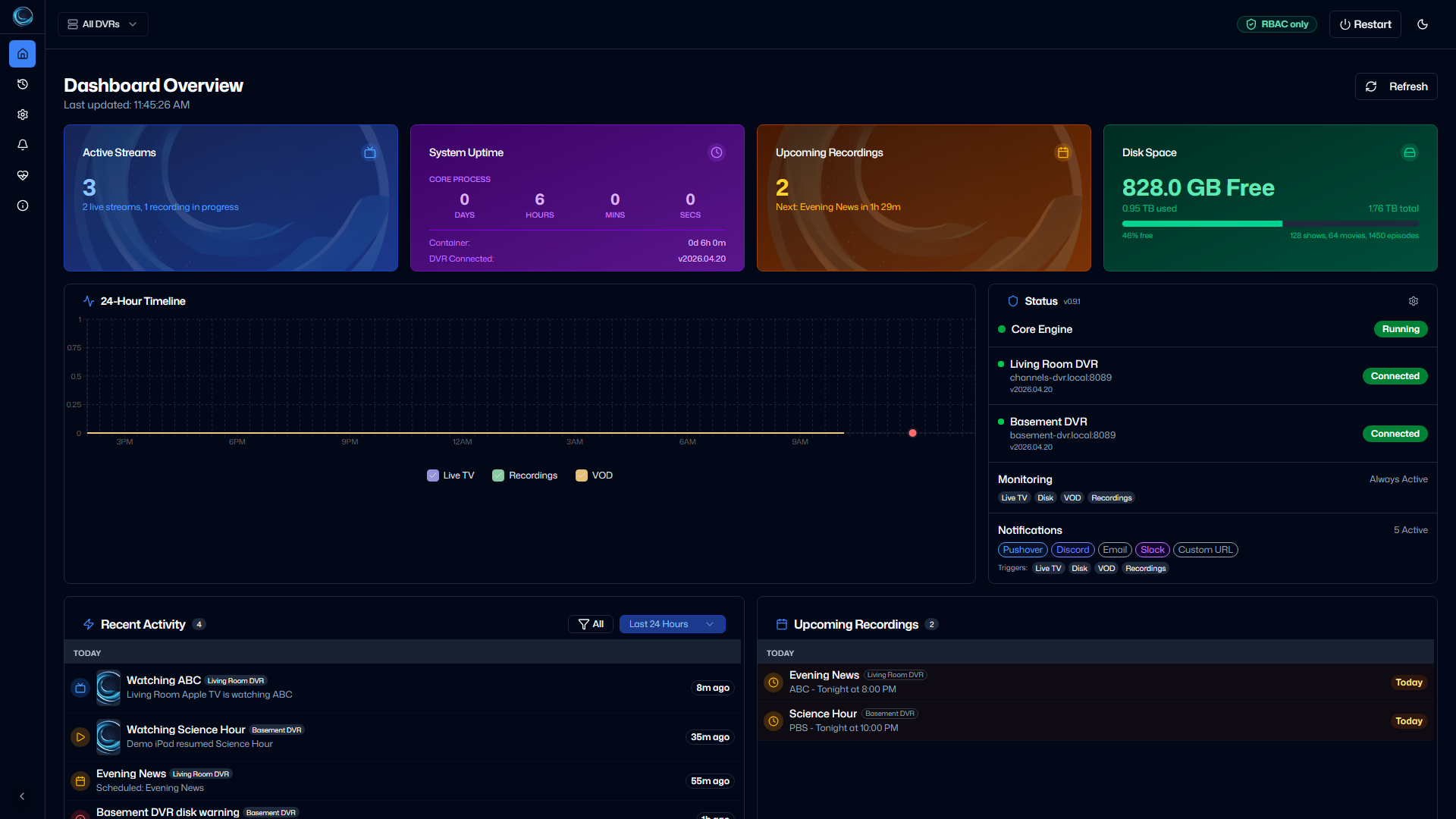
- Live TV and VOD
- See active playback and receive configured activity alerts.
- Recording lifecycle
- Follow recording activity and failure outcomes as ChannelWatch detects them.
- Disk thresholds
- Set warning and critical thresholds for available DVR storage.
- DVR health
- Surface freshness and connectivity warnings for each configured server.
Trace notification delivery
The delivery log records each alert's delivery status and retry outcome.
Review notification providers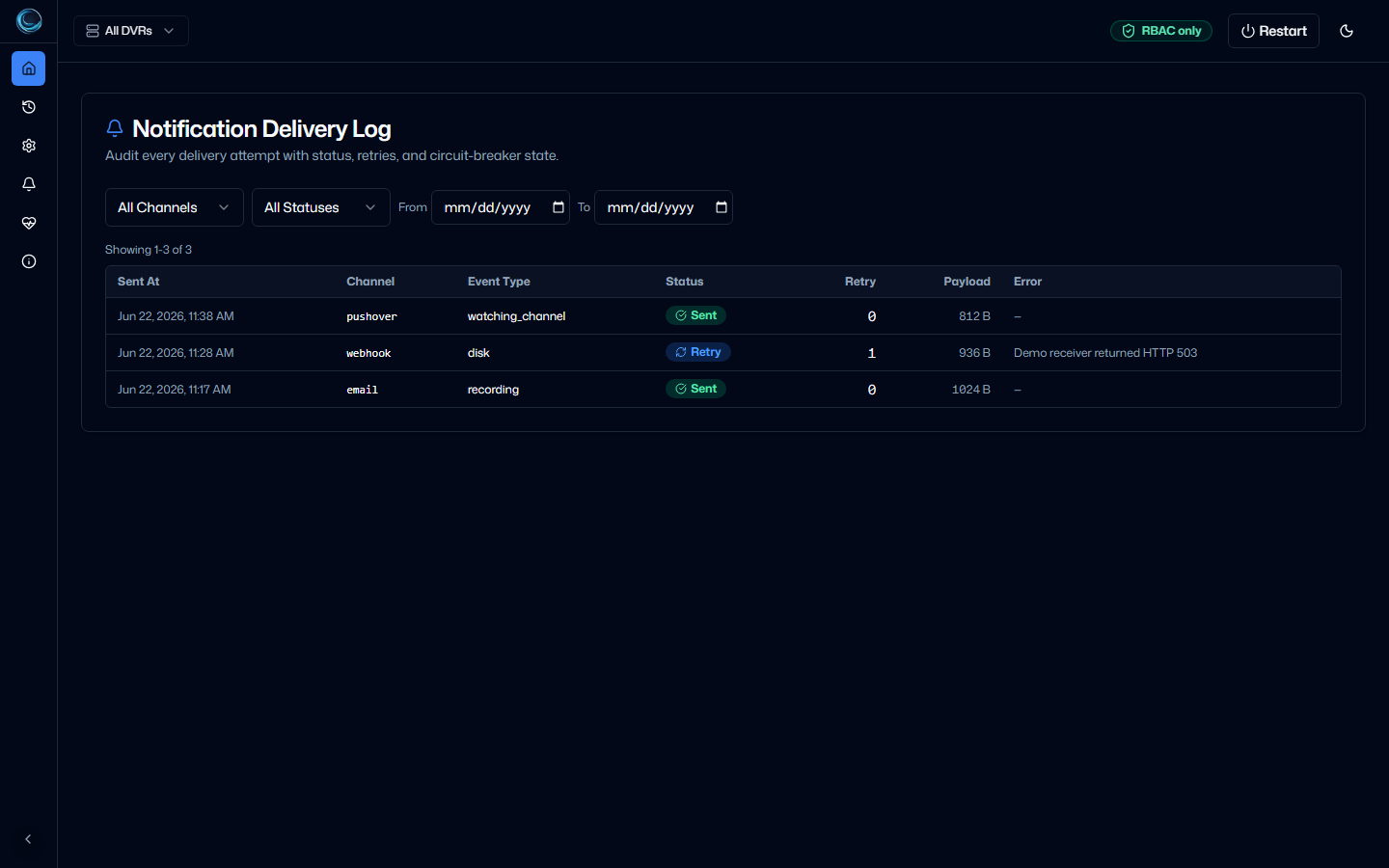
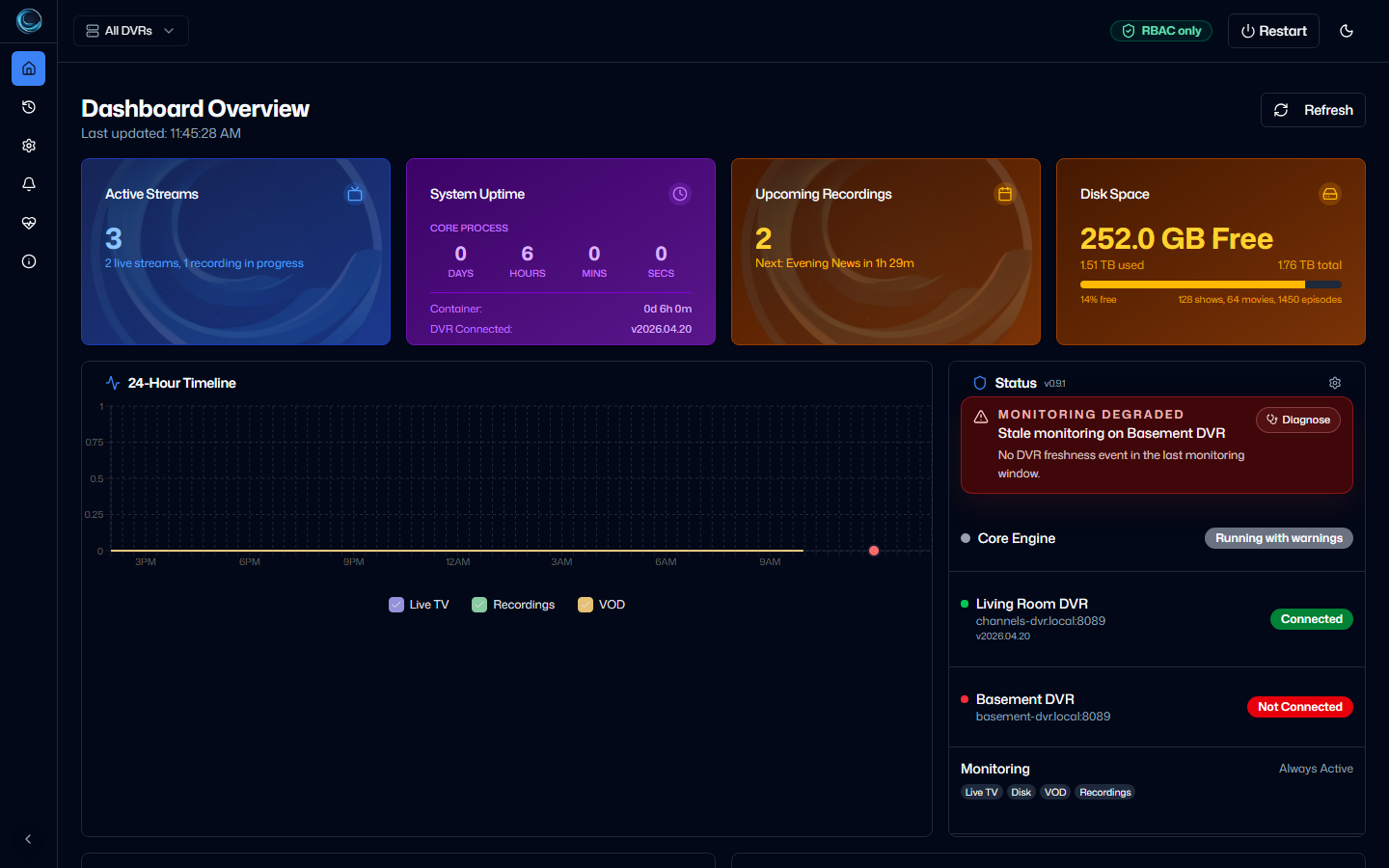
Keep your DVR servers in view
One status surface
Monitor multiple Channels DVR servers from one ChannelWatch install, with health shown per DVR.
Per-DVR routing
Choose which destinations receive channel, VOD, recording, disk, and DVR health alerts.
Connect your DVR. Choose your alerts.
Start the container, connect Channels DVR in the web UI, and configure the notifications you want.
- 01
Run ChannelWatch
Start the current container with Docker Compose and persist its data at
/config. - 02
Connect Channels DVR
Add one or more DVR servers through the first-run wizard or Settings.
- 03
Configure alerts
Connect a notification destination, then route the event types you want for each DVR.
Install ChannelWatch
Save this as docker-compose.yml, replace the local path, and run docker compose up -d.
Host networking exposes the web UI on port 8501. The /config mount keeps settings and application data across container updates.
name: ChannelWatch
services:
  channelwatch:
    image: coderluii/channelwatch:latest
    container_name: channelwatch
    init: true
    network_mode: host
    volumes:
      - /your/local/path:/config
    environment:
      TZ: "America/New_York"
    restart: unless-stopped
Questions before you install?
Check the deployment requirements and the paths for setup, updates, and troubleshooting.
Do I need Channels DVR?
Yes. ChannelWatch monitors one or more existing Channels DVR servers.
Does ChannelWatch require Docker?
The supported installation uses Docker Engine with the Docker Compose plugin. Platform-specific guides cover common NAS and home-lab setups.
Can one install monitor multiple DVRs?
Yes. Add multiple DVR servers, view their status together, and route alerts by DVR and event type.
How do notifications work?
Connect a supported notification destination in the web UI, then choose which alert types and DVRs send to it.
Can Settings > Updates replace the v1.5.3 container image?
No. v1.5.3 is marked image-required. Settings > Updates identifies that requirement; update the container image with Docker Compose.