Provider Matrix
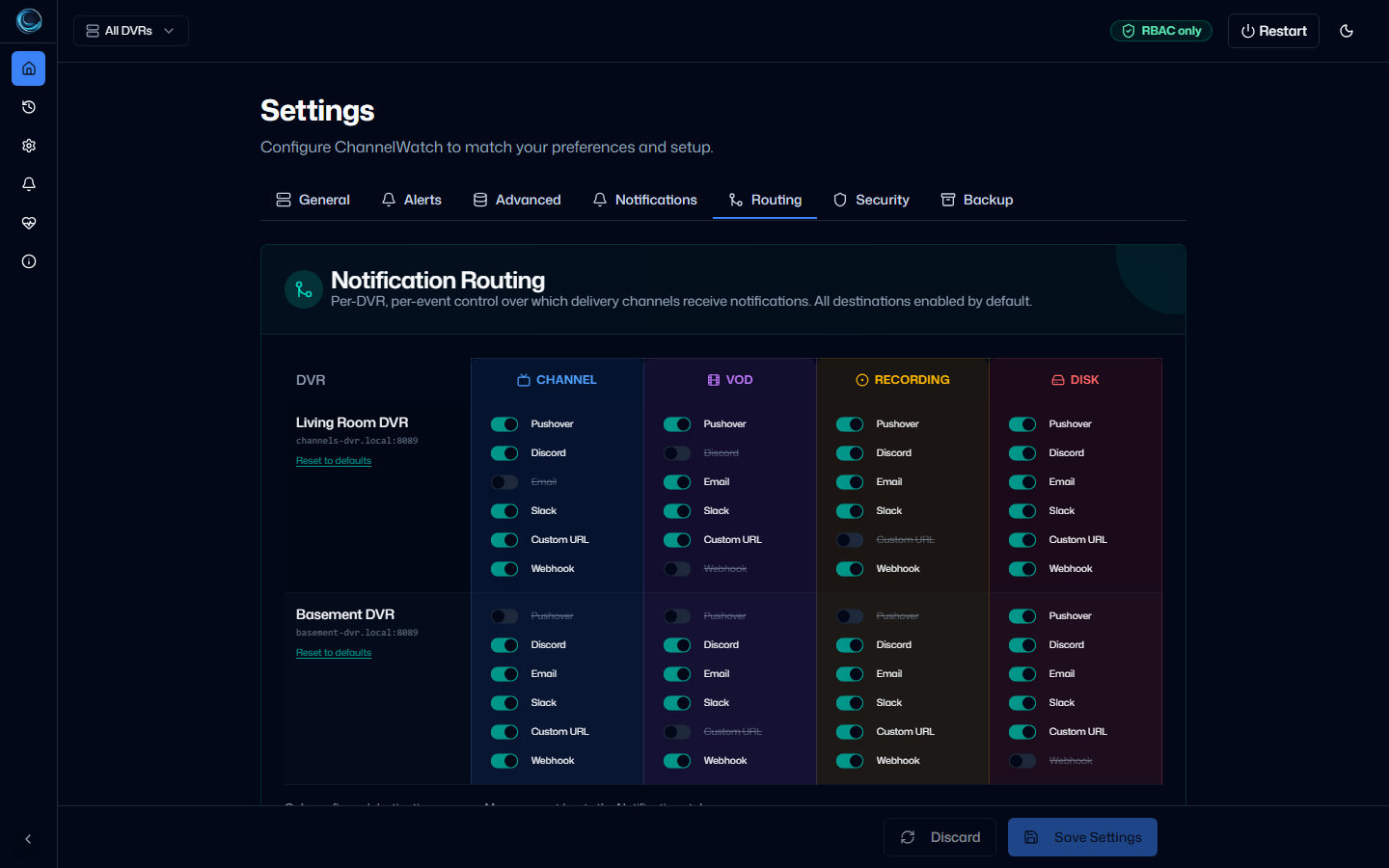
Use this page when you’re deciding which provider to set up first. If you want the fastest path to phone alerts, start with Pushover. If you already live in a team chat app, pick the provider you use every day.
How delivery works
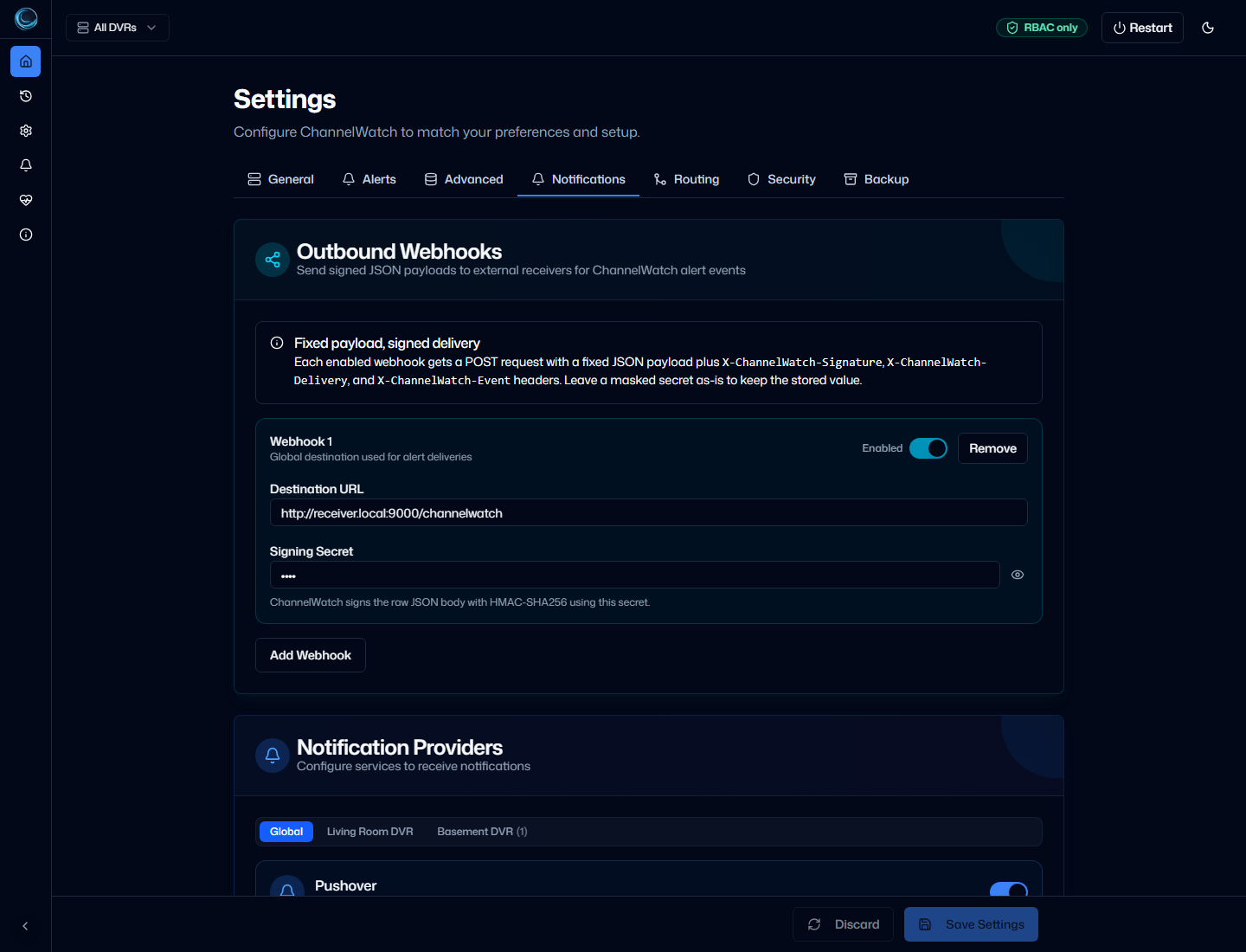
Section titled “How delivery works”Most providers route through Apprise, a well-maintained library that supports 100+ notification services. ChannelWatch passes your credentials to Apprise, which handles the actual API calls.
Discord is the one exception: ChannelWatch sends Discord webhooks directly over HTTP for standard discord.com/api/webhooks/ URLs. For non-standard Discord URL formats, the Custom (Apprise) provider handles the fallback.
The Custom (Apprise) option accepts any Apprise-supported URL directly, which covers services not listed in the table below.
Provider comparison
Section titled “Provider comparison”| Provider | Credential complexity | Best for | Rich media | Notes |
|---|---|---|---|---|
| Pushover | Low | Personal phone alerts | Partial | Two credentials: User Key + API Token |
| Discord | Low | Shared home/server channels | Link/embed friendly | Great for family/shared visibility |
| Telegram | Medium | Direct messages and bot-based alerts | Link/image friendly | Requires bot token + chat ID |
| Slack | Medium | Workspace alert routing | Link formatting | Best if you already work in Slack |
| Medium | Archival delivery / inbox workflows | Usually text-first | Good fallback channel | |
| Gotify | Medium | Self-hosted push notifications | App-based | Great for self-hosters who want local control |
| Matrix | Medium | Federated/self-hosted chat | Link/image friendly | Best for Matrix-native setups |
| Custom Apprise | Varies | Unsupported providers or custom endpoints | Varies | Broadest flexibility; one URL at a time |
Recommended first choices
Section titled “Recommended first choices”Fastest setup
Section titled “Fastest setup”Start with Pushover. It’s the quickest way to get real push alerts onto your phone.
Alerts in a shared room
Section titled “Alerts in a shared room”Pick Discord or Matrix. They work well when more than one person should see the alerts.
Maximum flexibility without coding
Section titled “Maximum flexibility without coding”Use Custom (Apprise). Paste any Apprise-supported URL into the field and ChannelWatch handles the rest. No code required.
Maximum flexibility with custom logic
Section titled “Maximum flexibility with custom logic”Use the Provider Plugins path. This requires writing a Python file and is aimed at developers who need behavior that Apprise URLs can’t express.
Self-hosted only
Section titled “Self-hosted only”Pick Gotify or Matrix. Both run entirely on your own infrastructure with no third-party cloud services involved.
Delivery log support
Section titled “Delivery log support”All providers feed the shared Delivery Log, so you can see whether ChannelWatch attempted delivery and whether it succeeded.