
DVR API Keys
This page covers credentials ChannelWatch uses to connect to Channels DVR servers. These are separate from the legacy shared X-API-Key that some upgraded ChannelWatch installations use for app access.
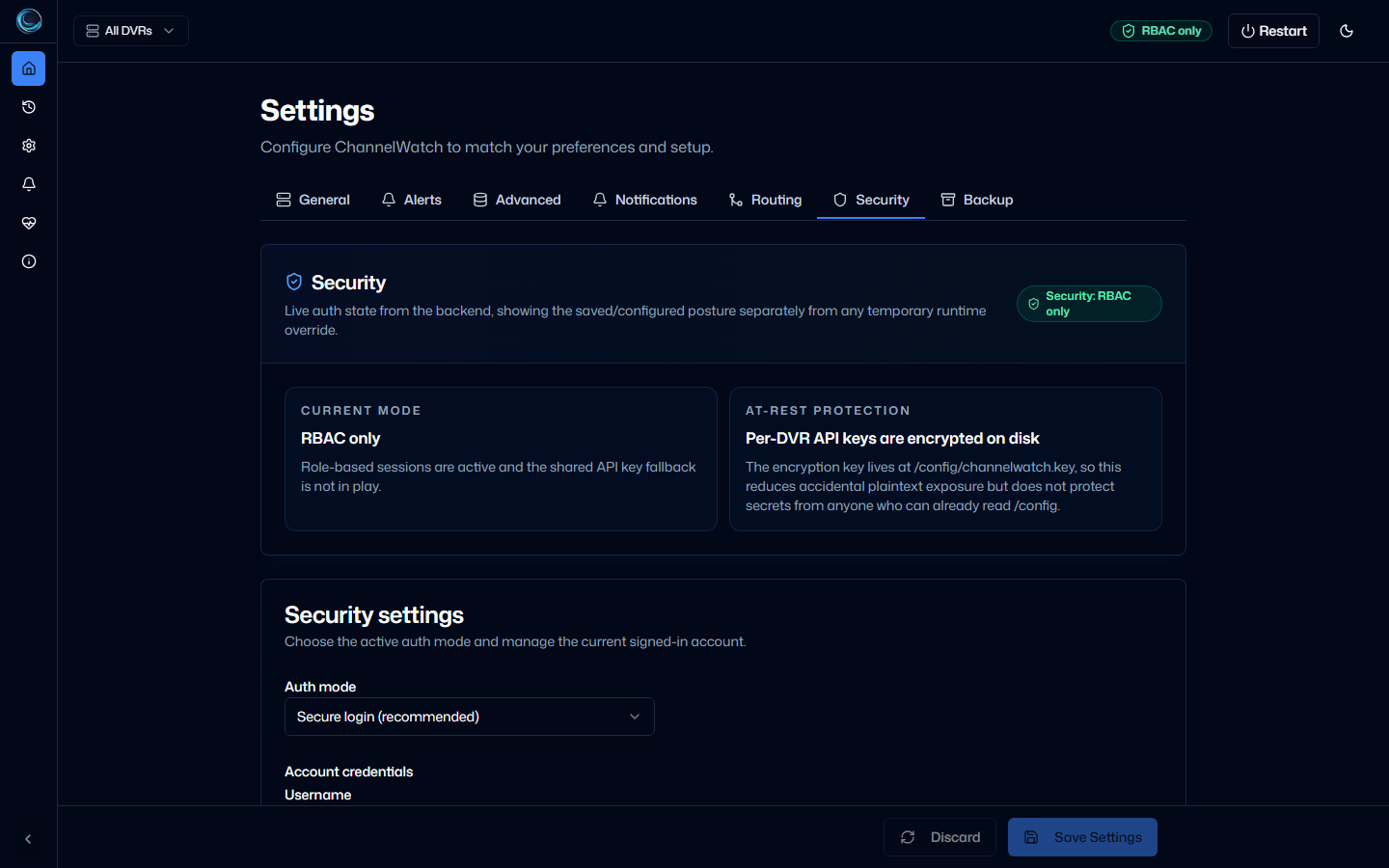
ChannelWatch stores a separate API key for each Channels DVR server you add. The key field is masked in the web UI after you save it. The encrypted value is stored in /config/settings.json inside the container.
Per-DVR API keys
Section titled “Per-DVR API keys”Each DVR server entry has its own API key field. This lets you use different credentials for each server without sharing a single key across your entire setup.
The API key is optional if your Channels DVR server does not require authentication. When left blank, ChannelWatch connects without a key.
Setting a key via the web UI
Section titled “Setting a key via the web UI”- Go to Settings > General > DVR Servers.
- Select the server you want to update.
- Enter the API key in the API Key field.
- Click Save. The key is re-encrypted for storage in
/config/settings.jsonand masked in the UI immediately.
Headless setup
Section titled “Headless setup”The supported CHANNELS_DVR_SERVERS bootstrap value does not carry DVR API keys. Use the web UI to add a protected key after the server is created. Directly placing plaintext credentials in settings.json bypasses the normal validation and encryption write path.
Key rotation
Section titled “Key rotation”Rotating a DVR API key
Section titled “Rotating a DVR API key”If you need to change the API key for a specific DVR server (for example, after rotating credentials on the Channels DVR side):
- Go to Settings > General > DVR Servers.
- Select the server.
- Enter the new API key.
- Click Save.
The old value is overwritten immediately.
Rotating the credential-encryption key
Section titled “Rotating the credential-encryption key”If you need to re-encrypt all stored DVR API keys with a new key file, use the shipped doctor command:
docker exec channelwatch channelwatch doctor rotate-encryption-keyThe command rotates /config/encryption.key and re-encrypts stored DVR api_key values and protected custom webhook URL/secret fields. Before replacing the files, it creates a private recovery snapshot under /config/backups/key-recovery/encryption-key-rotation-<timestamp>-<random-token>/ containing the pre-rotation settings.json, the previous encryption.key, and manifest.json. It does not create /config/encryption.key.bak.
Migration from v0.7
Section titled “Migration from v0.7”Older releases stored DVR credentials in plaintext in settings.json. Current releases migrate protected credentials to encrypted form and manage /config/encryption.key for the running installation.
If you’re upgrading from a much older install, keep the backup set and the matching encryption key material together so restores remain usable.
Related pages
Section titled “Related pages”- Security Modes - ChannelWatch app access modes
- Secure Login and Roles - local login, roles, and recovery
- Backup and Restore - what the backup zip contains and how to restore